Infrared camera calibration at Optris ensures precision and accuracy by comparing the camera’s readings against known temperature standards. The process involves placing the camera in a controlled environment and exposing it to calibrated blackbody sources at various temperatures. Technicians meticulously adjust the camera’s settings to align its measurements with the blackbody’s true temperatures. This procedure includes multiple temperature points to cover the camera’s operational range and for each individual pixel. The calibration process is documented, including the environmental conditions, the calibration equipment used, and the technician’s credentials. The camera’s performance is verified against industry standards such as those from PTB or NIST.
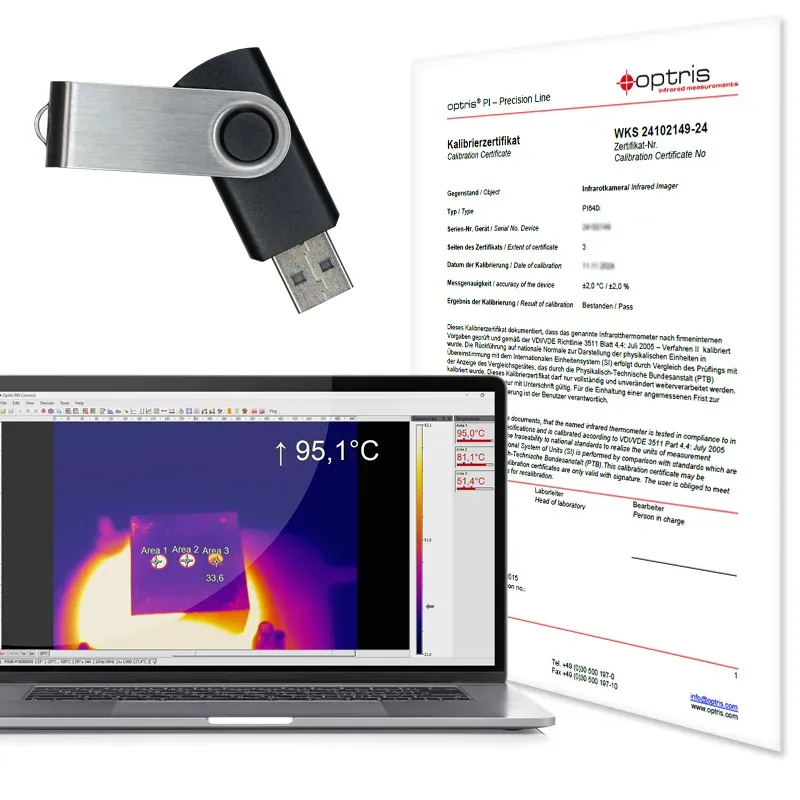
Infrared camera calibration at Optris ensures accuracy by comparing the camera’s readings to known temperature standards. The camera is exposed to calibrated blackbody sources in a controlled environment, with adjustments made for multiple temperature points across the operational range and for each pixel. The process is documented, including environmental conditions, equipment used, and technician credentials, verifying performance against PTB or NIST standards.
Calibration:
Standard: PTB and NIST
Temperature points: according to Overview Adjustment Points PI Xi_WEB.pdf
SKU
ACADJCAM
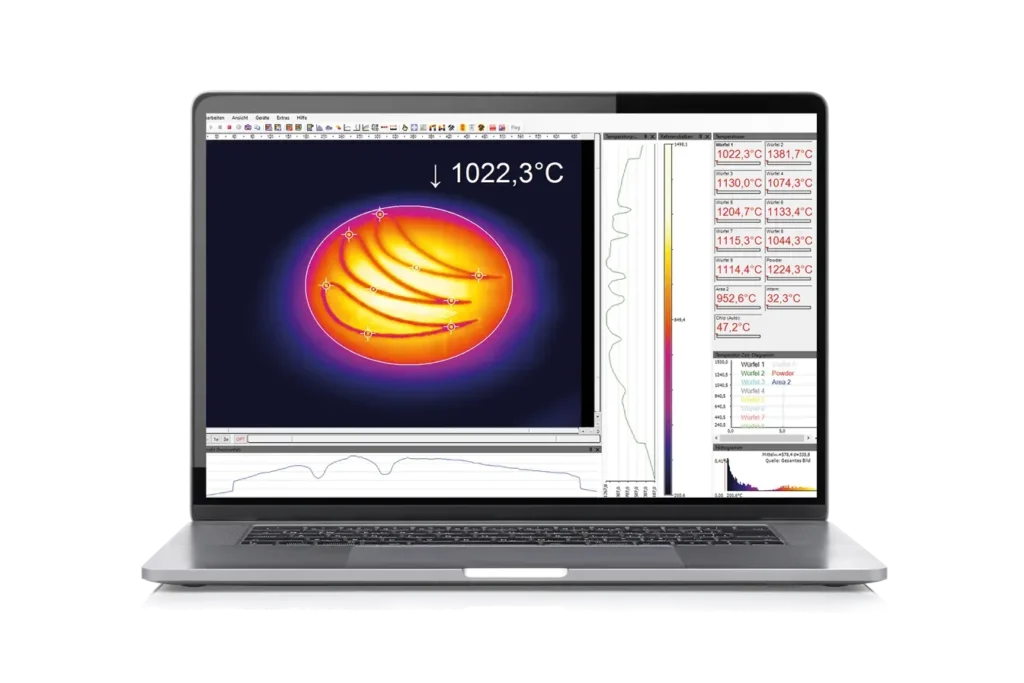
Thermography software optris PIX Connect is included and license-free.All infrared cameras are delivered with the thermography software optris PIX Connect, developed specifically for the extensive documentation and analysis of thermal images. The Windows-based PIX Connect software enables users to tailor the infrared cameras to meet specific requirements. It analyses live and recorded temperature data and triggers alarm signals for process integration.The key to leveraging the Optris infrared camera is a correct configuration. This includes detailed device-specific configurations such as frame rate, measurement range adjustments, external communication settings, and USB/Ethernet configurations. Moreover, PIX Connect facilitates firmware updates and the download of configuration files over the Internet.
Optris offers several different SDKs for our Xi and PI thermal imaging cameras. Depending on the operating platform, the infrared camera, the coding language, and the hardware platform, different software interfaces can be utilized:
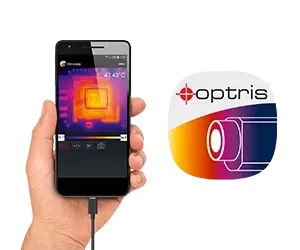
The Optris IRmobile allows users to set up and commission an Optris infrared pyrometer or infrared camera with an Android smartphone or tablet. This tool becomes handy for commissioning and aligning the infrared camera‘s field of view or adjusting the configuration. The app analyzes the connected infrared camera‘s live infrared image stream with auto hot and cold spot detection. For pyrometers, a temperature-time diagram or the video signal is displayed. This app works on most Android devices running 5.0+ with a USB port supporting USB-OTG (On The Go).